
Omnichannel Messaging API & Advanced Call Flow Designer Features

Key Features
Omnichannel Messaging API
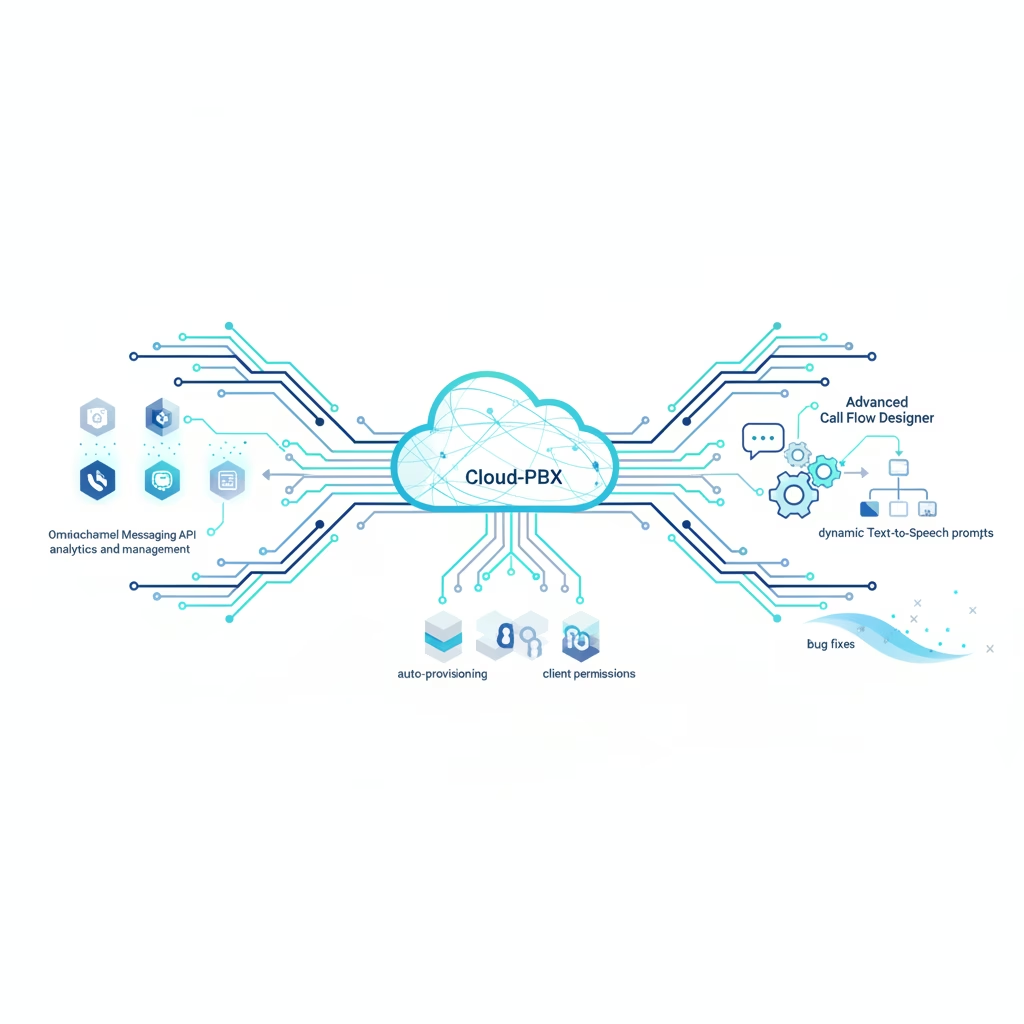
Yeastar P-Series PBX System now provides comprehensive API capabilities for the omnichannel messaging feature. This enables inbound messages to be delivered directly to third-party message analytics platforms for automated analysis and response, and allows extension users to transfer message sessions. A comprehensive set of message API interfaces is provided to manage and process messaging-related features, including Message Channel, Message Queue, Message Session, and Messages. Additionally, new API events (30031) New Message Notification and (30032) Message Sending Result provide notifications about messages sent or received via API. (Note: Enterprise Plan or Ultimate Plan is required for Omnichannel Messaging and API feature must be enabled. For Linkus Mobile Client, transfer message sessions feature is supported in version 5.19.7 or later.)
Extension presence issue fixed
Fixed an issue where the Ring Timeout(s) setting for all presence statuses except Available did not take effect.
Voicemail greetings display issue fixed
Fixed an issue where voicemail greetings recorded via the voicemail menu were not displayed in the extension's voicemail settings page.
Granular Client Permission for Chat
Optimized Menu Visibility permission for Linkus clients by adding support for granular control to Chat, allowing administrators to specify whether extension users have access to internal chat and external chat. (Note: For Linkus Mobile Client, these granular permission settings will be applied to version 5.19.7 or later.)
CTI control support for Snom phones
Added support for CTI control with Snom phone models: D710, D720, D712, D715, D725.
Obtain RPS PIN for Yealink phones
Added support for obtaining RPS PIN for Yealink phones provisioned via RPS method directly from the PBX web portal. The RPS PIN can be checked in the phone list and when editing a Yealink phone. (Note: Users might need to upgrade their phones to the recommended firmware version and configure them with an RPS PIN to maintain RPS functionality due to Yealink's discontinued direct RPS support for certain phone models.)
Optimized Text-to-Speech (TTS) prompts in Call Flow Designer
Optimized TTS prompts for call flow components (Prompt, Menu, User Input, Record, Dial by Number, and Transfer). Added support for up to 10 variable placeholders in text fields, allowing dynamic text and voice prompts. A 'Prompt Generation Timeout (s)' field was added; if a voice prompt is not generated within this period, the caller is routed to the next component without a prompt. Variables indicating the TTS result (e.g., $Prompt{index}.ttsResult) were also added for these components.
Call flow disconnection issue fixed
Fixed a call flow issue where calls could not be disconnected when a call flow attempted to query the database and the query timed out.
Feature code occupied issue fixed
Fixed a feature code issue where the system prompted that the code was occupied even though no duplicate code existed when changing a feature code.
Queue Panel permission for Company Contacts
Added a new queue panel permission 'Show Company Contacts Matching Results' for queue managers and agents. When enabled, the Waiting Calls and Active Calls panels of the queue will display matching results of company contacts, regardless of the user's general visibility permission for company contacts.
Optimized email server event notification
Renamed the event 'Yeastar SMTP Server Error' to 'Mail Server Error'. Email sending failures from a custom SMTP server will now also trigger the 'Mail Server Error' event, in addition to the system's built-in SMTP server.
Optimized Static Defense settings
When 'Allowed Country IPs' is enabled, if a register trunk or peer trunk uses a domain name, the system automatically adds the domain name to a static defense rule to prevent connection failures. When setting a static defense rule with 'Action' set to 'Accept', users can now specify whether the rule is applied to a specific service or a port range.
Two-factor Authentication email issue fixed
Fixed a 2FA issue where a user failed to receive authentication codes via email when the email address contained uppercase letters.
Microsoft Teams User Presence Synchronization optimization
Optimized the Microsoft Teams User Presence Synchronization feature: When bidirectional presence synchronization between extension and Microsoft Teams user is enabled, the extension does not sync presence status from Teams when it is ringing or busy (on a call) to avoid impacting ongoing calls.
Odoo CRM Integration contact synchronization fixed
Fixed a contact synchronization issue where, when an associated CRM user received inbound calls from a CRM contact, the PBX created a new contact instead of synchronizing the existing contact information to the phonebook.
Added API Feature Settings interfaces
New API interfaces for API feature settings allow users to query or update extension status monitor settings, trunk status monitor settings, and Webhook event push settings. It also includes an interface to send a test message to a specified Webhook URL for connectivity testing.
Added Call Control API interface
Added a new API interface 'call/directly_forward_to_voicemail', which enables forwarding an incoming call to the voicemail of either the called party's own extension or another specified extension.
Optimized Auto Provisioning API interfaces
Optimized the API interfaces 'phone/search' and 'phone/get' by adding a 'rps_pin' parameter, allowing users to query the RPS PIN for Yealink phones provisioned via RPS method.
AI Text-to-Speech neural voice models
Optimized the AI Text-to-Speech feature by adding support for neural voice models, providing more natural-sounding and diverse voice options. (Note: Some robotic-sounding voices are no longer supported. Previously generated prompts with discontinued voices remain usable but cannot be edited.)
Linkus Web Client: Transfer incoming calls to voicemail
Added support in Linkus Web Client for transferring incoming calls directly to an extension's own voicemail from the incoming call pop-up.
Linkus Web Client: Set Temporary Status with specific end time
Optimized the 'Set Temporary Status' feature in Linkus Web Client by adding support for setting a specific date and time for an extension's temporary status to end, after which it automatically reverts to the original status.
Linkus Web Client: Queue Panel Company Contacts display
Optimized user experience in the Linkus Web Client's Queue Panel by adding support for displaying matching results of company contacts in the 'Waiting Calls' and 'Active Calls' panels, irrespective of the user's visibility permission for company contacts. (Note: This requires granting the 'Show Company Contacts Matching Results' permission to queue managers or agents in the PBX settings.)
Product
Cloud-PBX