
Enhanced CRM and Google Workspace Integration with New Features and Optimizations

Key Features
Dynamics 365 CRM Integration
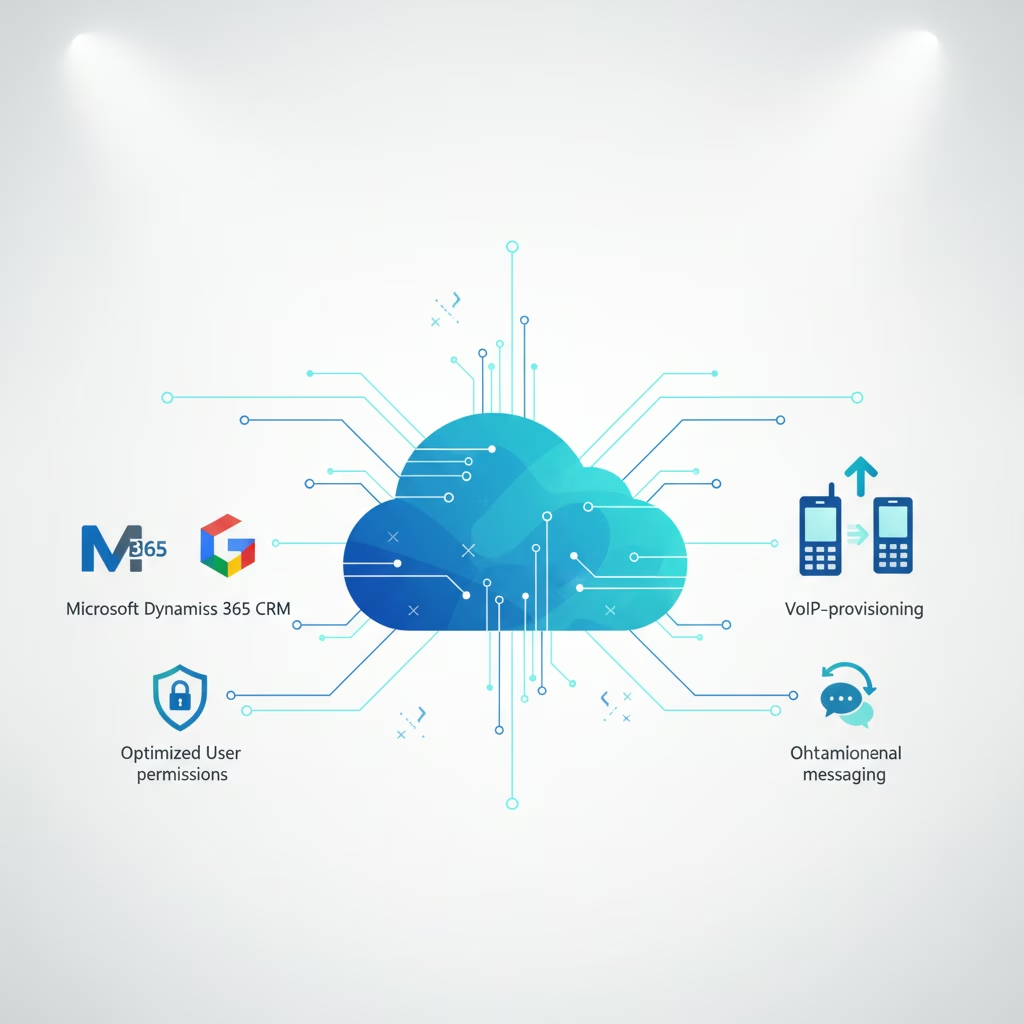
Yeastar P-Series PBX System now deeply integrates with Microsoft Dynamics 365 CRM. Users can make/receive calls, manage activities, create contacts, log calls, and access recordings directly within Dynamics 365 via the 'Linkus for Dynamics 365' plugin. Supports click-to-call, call pop-up, contact creation, activity logging, and call recording access.
Google Workspace Integration
Integration with Google Workspace allows synchronization of Google Workspace users to PBX and enables synced users to log in to Linkus UC clients with Single Sign-on (SSO) using their Google accounts.
Optimized Call Reports Permission Control
Enhanced permission control for Call Reports, including support for configuring operation permissions (report downloading, Rate settings access) and granular access control to specify accessible report types and data scopes.
Expanded Auto Provisioning for Snom and Cisco IP Phones
Added auto provisioning support for Snom D710, D712, D715, D720, D725, and Cisco SPA301, SPA303, SPA501G, SPA502G, SPA504G, SPA508G, SPA509G, SPA512G, SPA514G, SPA525G2 IP phones.
Fixed PBX Time Zone Retrieval for Auto Provisioning
Resolved an issue where IP phones failed to retrieve the PBX time zone during auto provisioning.
Fixed Bulk Auto Provisioning Issue
Corrected an issue where only the last phone was successfully provisioned when adding multiple IP phones for bulk auto provisioning.
Optimized DID Pattern Setting in Inbound Route
Improved DID pattern setting in Inbound Route. When 'DID Matching Mode' is set to 'Match DID Range to Extension Range' or 'DID Number to Specific Extension', users can now directly select desired DID numbers from a list of DIDs configured on trunks, removing the need for manual input.
Optimized Active Directory User Synchronization
Enhanced User Synchronization settings with a 'Map' option, allowing user field mapping between PBX and AD user attributes for seamless synchronization of specified user data.
Optimized Active Directory Organizational Unit Synchronization
Improved Organizational Unit Synchronization by adding a 'Read Specific Property Value' method, enabling more flexible and precise mapping of organizational structures using a specific property.
Fixed Active Directory Partial User Synchronization
Resolved an issue where specified users were not fully synchronized to the PBX, and the web page displayed a 'Network Request Error'.
Fixed Active Directory Synchronization Webpage Stuck Issue
Corrected an issue where the webpage remained stuck in the loading state after performing Active Directory data synchronization.
Optimized Microsoft Entra ID User Synchronization
Enhanced User Synchronization settings with a 'Map' option, allowing user field mapping between PBX and Entra ID user attributes for seamless synchronization of specified user data.
Fixed Microsoft Entra ID Teams Presence Synchronization
Resolved an issue where Teams presence status changes were not synchronized with the PBX extension.
Added Apidaze SMS Messaging Integration
New support for SMS messaging integration with Apidaze, allowing businesses to set up SMS messaging channels for the Service Provider on Yeastar P-Series PBX System.
Simplified Omnichannel Messaging SMS API Authentication
Streamlined the authentication process for messaging integration via SMS API, allowing to skip HTTPS REST API verification and Secret for webhook request verification if the Service Provider does not require authentication.
Added DID Filter to Call Detail Records (CDR)
Introduced a DID filter, enabling users to filter call detail records by DID number.
Fixed Incorrect CDR Display with All Busy Mode
Resolved a CDR issue where, when 'All Busy Mode for Endpoints' was enabled for an extension and it received a call during an ongoing call, the CDR of the new call was displayed incorrectly.
Optimized CDR Search API Interface
Enhanced the `cdr/search` API interface by adding a request parameter `did` for filtering CDR records and response parameters `did` and `did_name` to return associated DID information.
Optimized CDR List API Interface
Enhanced the `cdr/list` API interface by adding response parameters `did` and `did_name` to return the DID information associated with the corresponding call.
Optimized CDR Download API Interface
Enhanced the `cdr/download` API interface by adding a request parameter `did` for filtering the desired CDR records.
Fixed Linkus Remote Call Issues
Resolved issues where video calls, video conferences were unavailable, and audio calls had one-way audio when accessing Linkus Web or Desktop Client remotely using a public IP or domain name, rather than through Yeastar FQDN.
Fixed Linkus DND Synchronization Issue
Corrected an issue where DND status was not synchronized from the Linkus client to the registered IP phone after an extension user switched to DND.
Fixed 'Yeastar Linkus for Google' Chrome Extension Dialing Display
Resolved a display issue in the 'Yeastar Linkus for Google' Chrome extension where dialing a number starting with '#' was incorrectly displayed as '%23'.
Added Google Account Login for Linkus Web Client
New support for logging in to Linkus Web Client with a Google account, available when PBX is integrated with Google Workspace and SSO is enabled.
Increased Personal Contacts Limit in Linkus Web Client
Added support for creating up to 3,000 personal contacts in the Linkus Web Client.
Optimized Caller ID Name Display in Linkus Web Client
Improved Caller ID Name display in Call Logs, Voicemails, and Recordings. If a caller number doesn't match any extensions or contacts, its associated Caller ID Name will now be displayed.
Optimized Queue Panel in Linkus Web Client
Enhanced Queue Panel to support monitoring statistics and managing calls of multiple queues in a single pane. Users can now create groups to customize which call queues are displayed together.
Fixed Caller ID Name Not Updating on Call Transfer
Resolved an issue where the caller ID name was not updated to reflect the original caller after a call was transferred.
Fixed Ring Group Call Transfer Disconnection
Corrected an issue where a call was immediately disconnected and transfer failed when a ring group member transferred a call to an external number.
Fixed 'Accept calls from Ring Group' Option Default
Resolved an issue where the 'Accept calls from Ring Group' option was disabled by default when importing extensions.
Fixed Second Outbound Call Dropping on Same Trunk
Corrected an issue where placing a second outbound call through a trunk would cause the first ongoing call through the same trunk to be unexpectedly dropped.
Fixed Outbound Route PIN List Display and Functionality
Resolved an issue where a PIN list set in an outbound route was not displayed upon reopening and the PINs did not work for outbound calls.
Fixed Certificate Information Display Issue
Corrected an issue where certificate information was not displayed in the list after upload.
Fixed Custom CRM Template Error Display
Resolved an issue where a custom CRM template configured with API key authentication could be saved but displayed an error message when reopened.
Fixed Zoho CRM Integration Failure After PBX Restart
Corrected an issue where Zoho CRM integration via PhoneBridge failed to work properly after a PBX restart, leading to problems with call log and recording synchronization.
Fixed Zoho Desk User List Retrieval Limit
Resolved an issue where the PBX only retrieved 10 Zoho Desk users instead of the full list.
Product
Cloud-PBX